AI Design
The AI Design Service System is an innovative integrated solution that intelligently automates the design processes in the dental healthcare industry through artificial intelligence technology. This system utilizes deep learning algorithms to analyze patients' oral data, quickly generating precise design plans, significantly enhancing design efficiency while reducing design costs.
- Efficient Plan Generation: The system swiftly analyzes data and generates design plans with the automated design process that minimizes manual operations, thus accelerating the design speed.
- Cost and Error Rate Reduction: Minimizing manual operations not only lowers design costs but also virtually eliminates errors that would otherwise be introduced by human factors.
- Multi-role Operation: Both clients and designers can easily place orders, automate designs, and view design results.
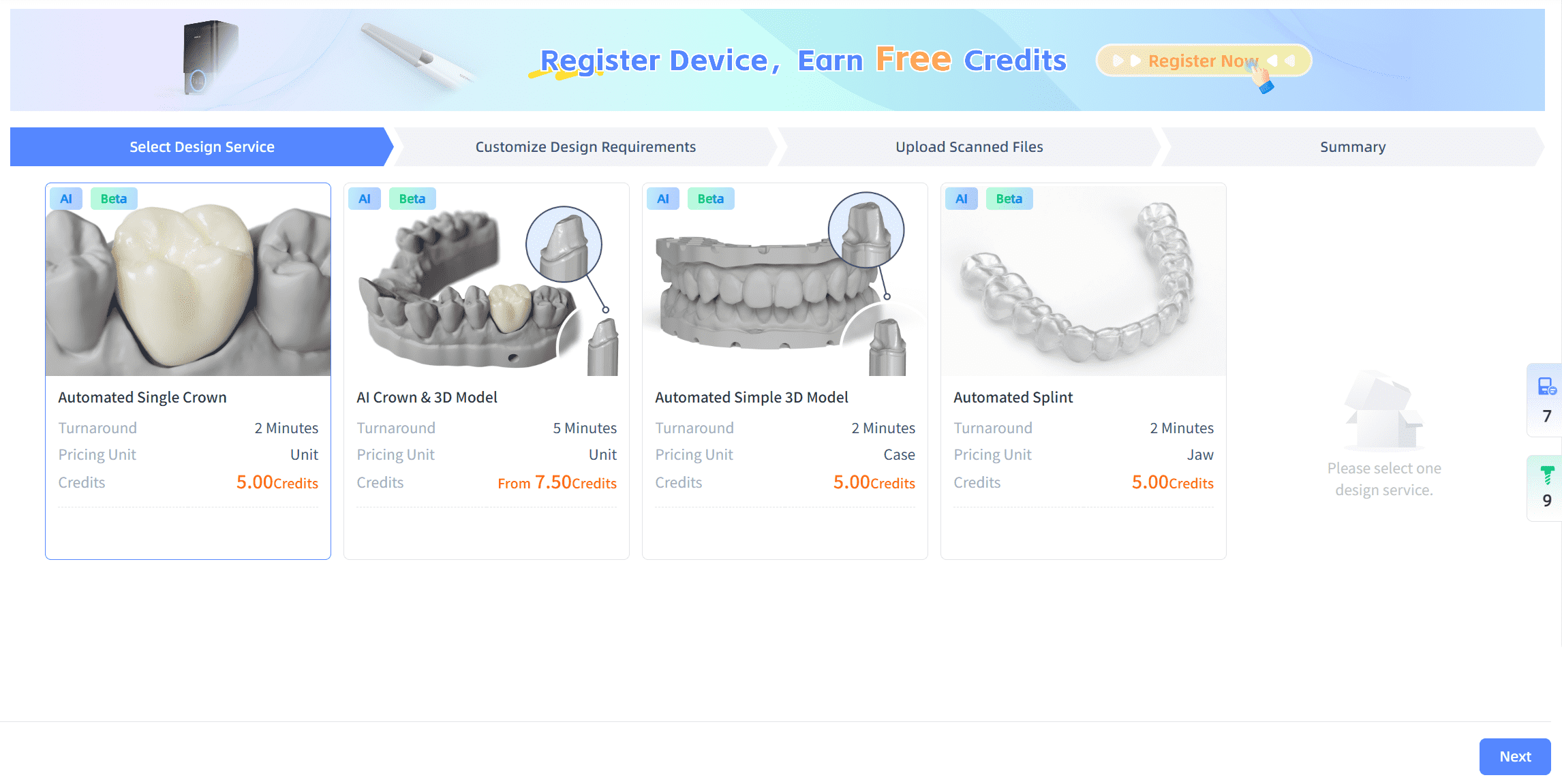
- Automated Design Labels: The platform features automated design labels on cards for design type selection, simplifying user identification.
- System Integration: The system is seamlessly integrated with the SHINING 3D Design Service Management, SHINING 3D Dental Cloud, and other systems, ensuring smooth data connectivity and processing.
Note
When you first start AI design, you will receive credits to create design cases.
New design
-
Click Design Service → AI Design, and then select the design service.
-
Click Next. In the Customize Design Requirements interface, you can select the target teeth and the design preferences.
Note
When setting design preferences, the Automated Simple 3D Model die type supports selecting two types of models: Extra Dies and Removable Die.
-
Click Next. In the Upload Scanned Files interface, enter the case name and upload the required files.
- Click Next. In the Summary interface, you can check the total price, design requirements and the deliverables.
- Click Confirm and Send to start AI design.