Pause and Resume Scan
After the scan is sufficient, tap  to pause the current scan.
While paused, you can edit the scan data, continue scanning, or create a new project for scanning.
to pause the current scan.
While paused, you can edit the scan data, continue scanning, or create a new project for scanning.
Resume Scanning
- Realign the scanner to the previously captured area and maintaining the original scanner orientation toward this area.
- Once recognized, the scanner will automatically resume scanning.
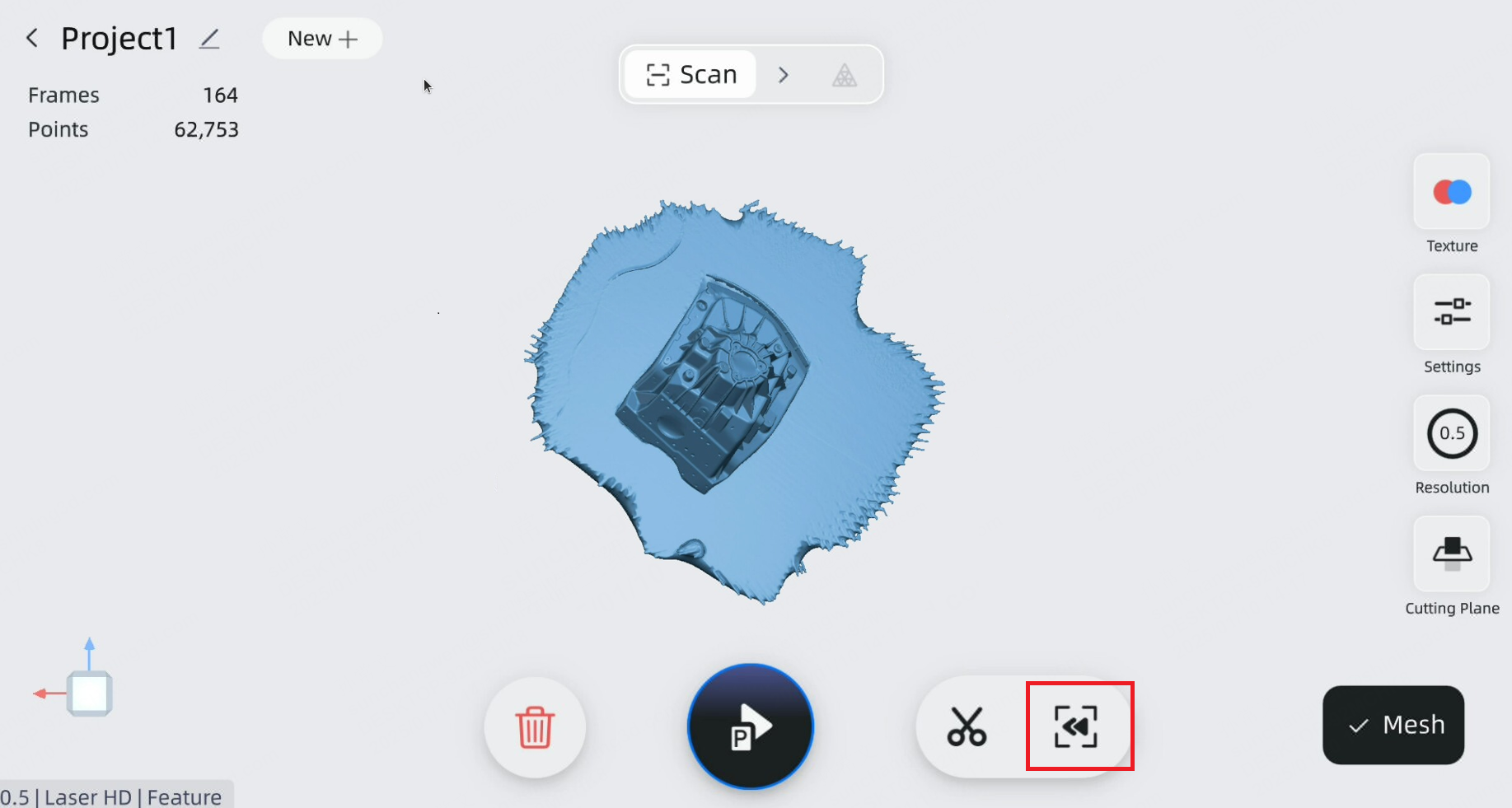
Rewind
When the scan is paused, you can tap the rewind icon  at the bottom of the screen to remove a few frames from the scanned area. For more detailed instructions, please refer to Rewind.
Export Global Markers File
To export global markers file in .P3 format, you must scan objects with markers using either the IR Adaptive or Laser HD modes. After pausing the scan, click  to export the file.