Device Activation
When using the device for the first time, please perform online activation after starting the software; otherwise, the calibration and scanning functions will be unavailable.
Online Activation
Col
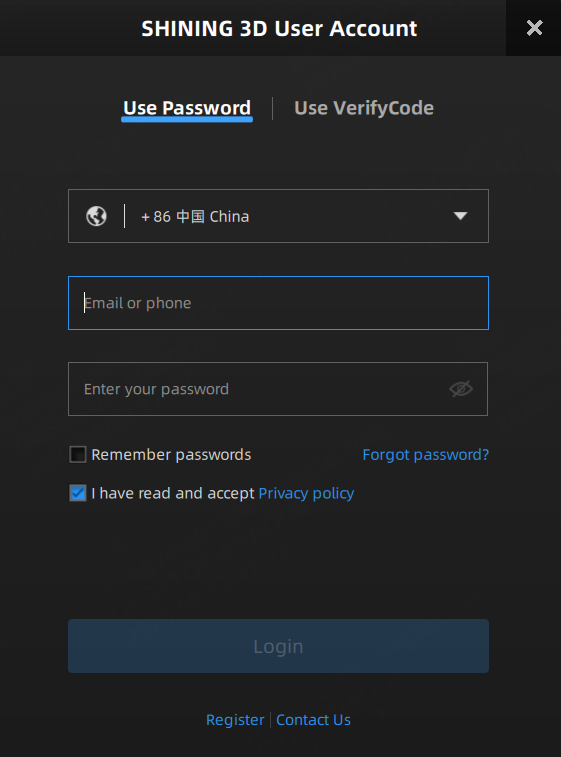
Upon the first launch of the software, you can register an account and log in on the automatically popped-up passport interface to activate the device.
If you have not logged into your passport this time, you can activate it later through the activation entrance at the upper left corner of the home screen or log into the passport by clicking  at the upper right corner of the interface.
Col
Note
- The warranty period starts after activation.
- Please activate the device while it is wired connected.
- Before activating the device, please ensure that the computer is connected to a network.
Guest Mode
If you do not wish to log into the passport for now, you can choose to use the software in guest mode.
Note
- If the device activation is not completed and you do not log into the passport, you can only edit the data in the post-processing and measurement interface.
- If the device activation is completed and you do not log into the passport, you can still use all functions of the software, but uploading project data to the SHINING 3D Cloud will be unavailable.