Mesh Optimization
The scanned data requires some mesh optimization settings.
Watertight
All holes in the scanned data are closed.
Caution
- Only fully closed models can set mesh quality.
- The closed mode will automatically generate the missing surface data of the model, creating a geometrically closed 3D model.
Optimization
Optimize the data to reduce noise.
- Medium: Reduce noise on the data surface.
- Standard: Lightly optimize the data while trying to retain the surface features.
- High: Reduce noise while making the data smoother.
Caution
Setting a higher level may lose some small details.
Smooth
Denoise the data to make the mesh data smoother and improve data quality.
Caution
This function is unavailable when Optimization is set to None.
AI Feature Recognition
After checking, the boundary generation of sheet metal parts can be optimized.
After checking, the edge data of holes can be optimized.
Edit the thickness offset values on the data model, such as edges and holes, to optimize the model.
This option appears when either Trim Optimization or Optimize Recognized Feature is enabled.
Advanced Settings
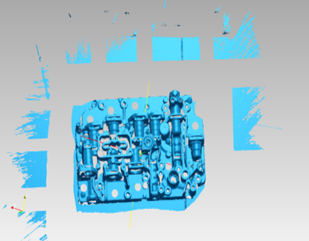
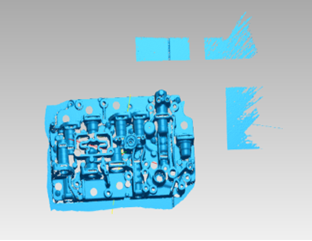
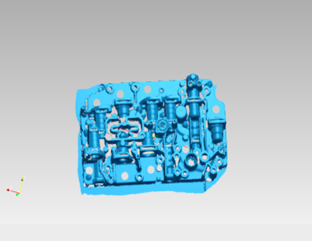
Delete any small floating data that is not connected to the main data. A higher value means the software will remove larger isolated areas.
Col
Col
Col
Set a maximum number of mesh faces as an upper limit for data simplification during mesh generation.
Caution
- Please avoid entering extremely small values.
- Please enter this value reasonably to avoid excessive simplification that may degrade data quality.
Automatically fill small holes based on the set hole perimeter.
When performing hole filling, you can first delete the edge data of the hole by setting the neighborhood for deletion, and then proceed to fill the hole to optimize the final filling effect. The larger the value selected for the deletion neighborhood, the more data will be removed from the hole's edge.
Fill holes on the object's surface that were not scanned due to being covered by markers.
Remove spike-like data on the surface.
Recommended Parameters
Automatically use recommended parameters for meshing when enabled.