Update
You can update your device to the latest version on your computer.
-
Connect the scanner to FreeScan Omni software installed on the computer. See Connection.
-
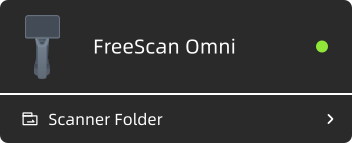
Enter the scanner folder, then click Upgrade to open the file dialog.
-
Select the built-in installation package and click Open.
-
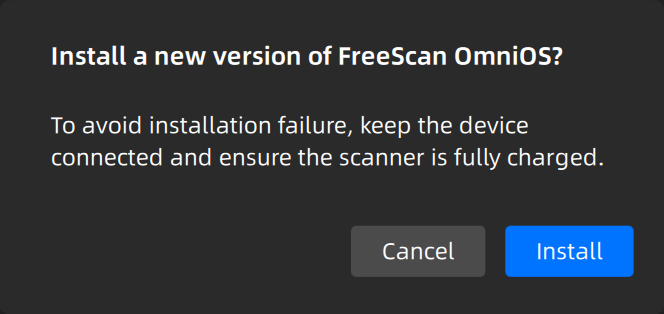
Click Install to update the scanner software.
-
Once the installation package transfer is complete, click Confirm and wait for the scanner to restart.