Scan Mesh
You can directly scan the object and the software will generate mesh data.
Caution
- No need to place markers on the objects in trak mode.
- The data will be deleted if you switch to the scan markers mode or import a file of global markers.
Steps
-
After completing the pre-scanning, click
 or press the scan button on the device to start scanning. Click
  or press the scan button to pause scanning; click again or press the scan button again to resume scanning.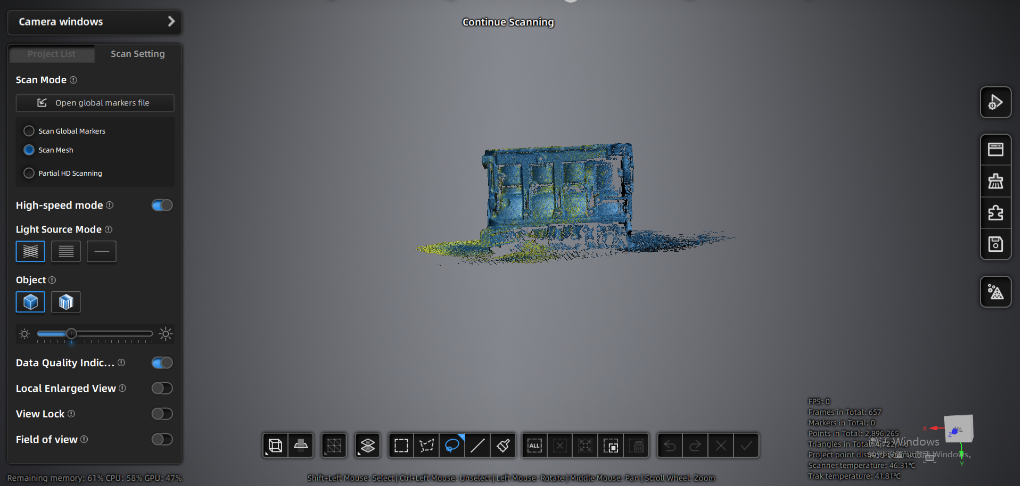
-
Click
 to save the data.