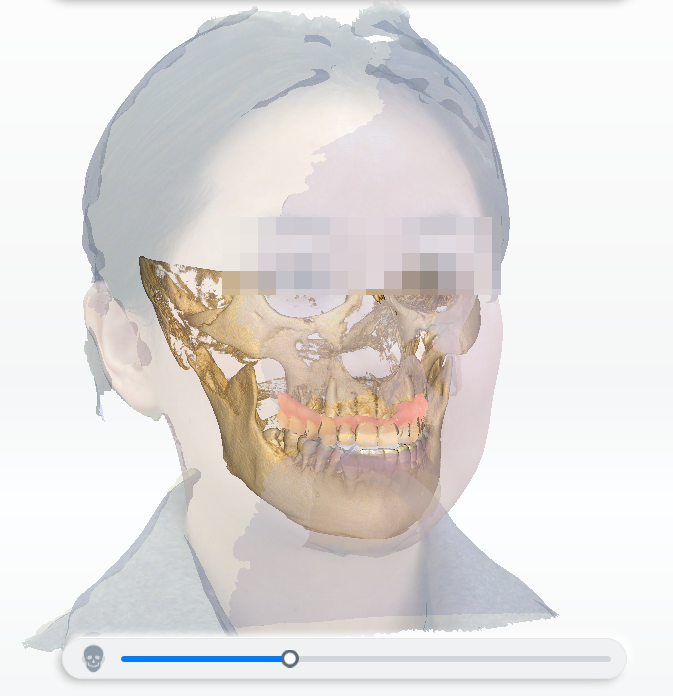
DICOM alignment
FScan can simulate the patient's facial condition by aligning intraoral data with DICOM data, thus making the workflow of dental clinics or hospitals digitalized and enhancing the efficiency and quality of diagnosis and treatment.
DICOM data importation
You can import DICOM data in Order Creation or click  in Pre-design.
Data alignment
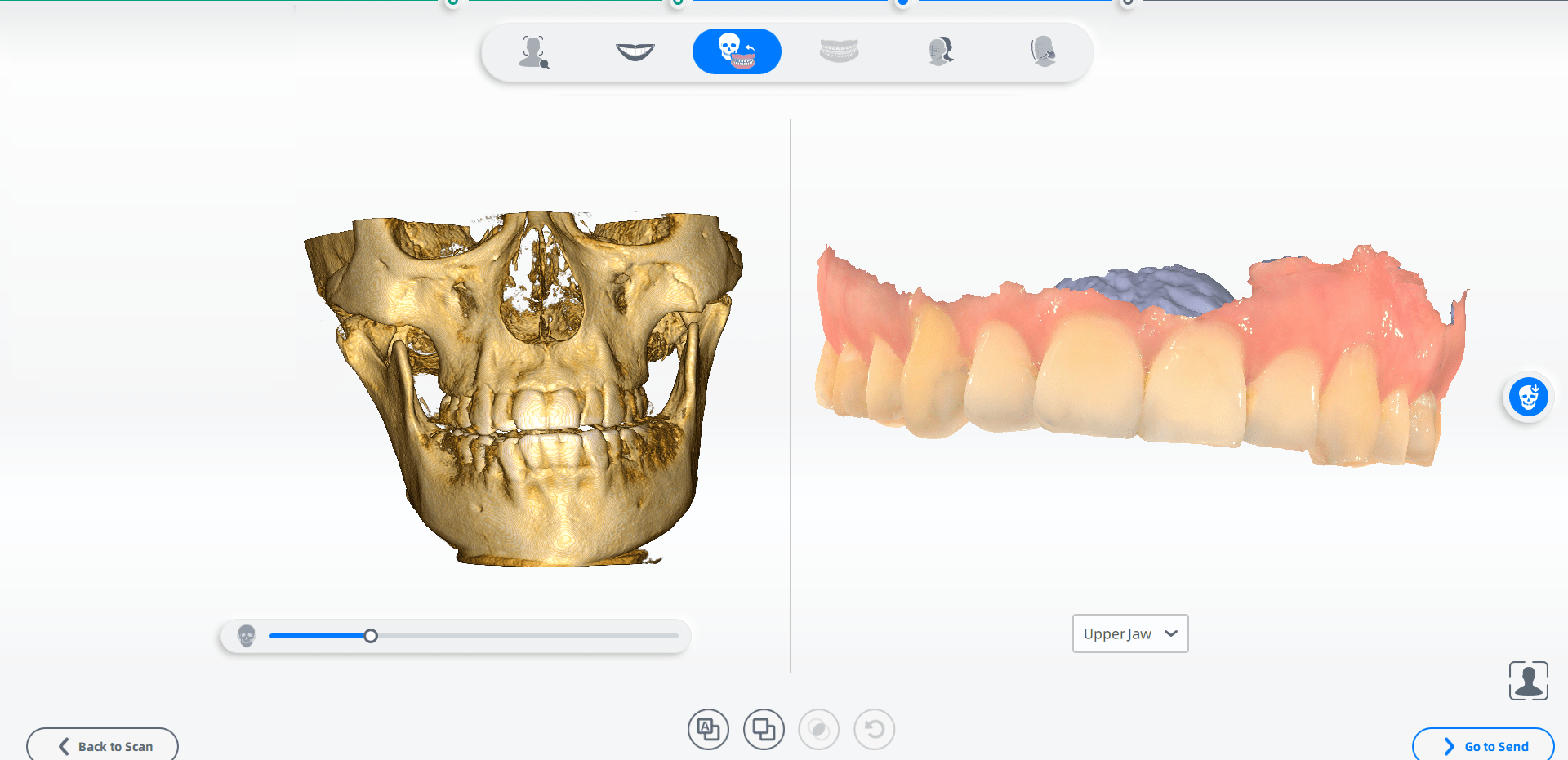
You can check DICOM data and intraoral data in Pre-design after importing DICOM data.
Steps
-
Follow the guidance on the upper left, and drag the slider under the left DICOM data to adjust the density of the data until the teeth is clearly visible.
-
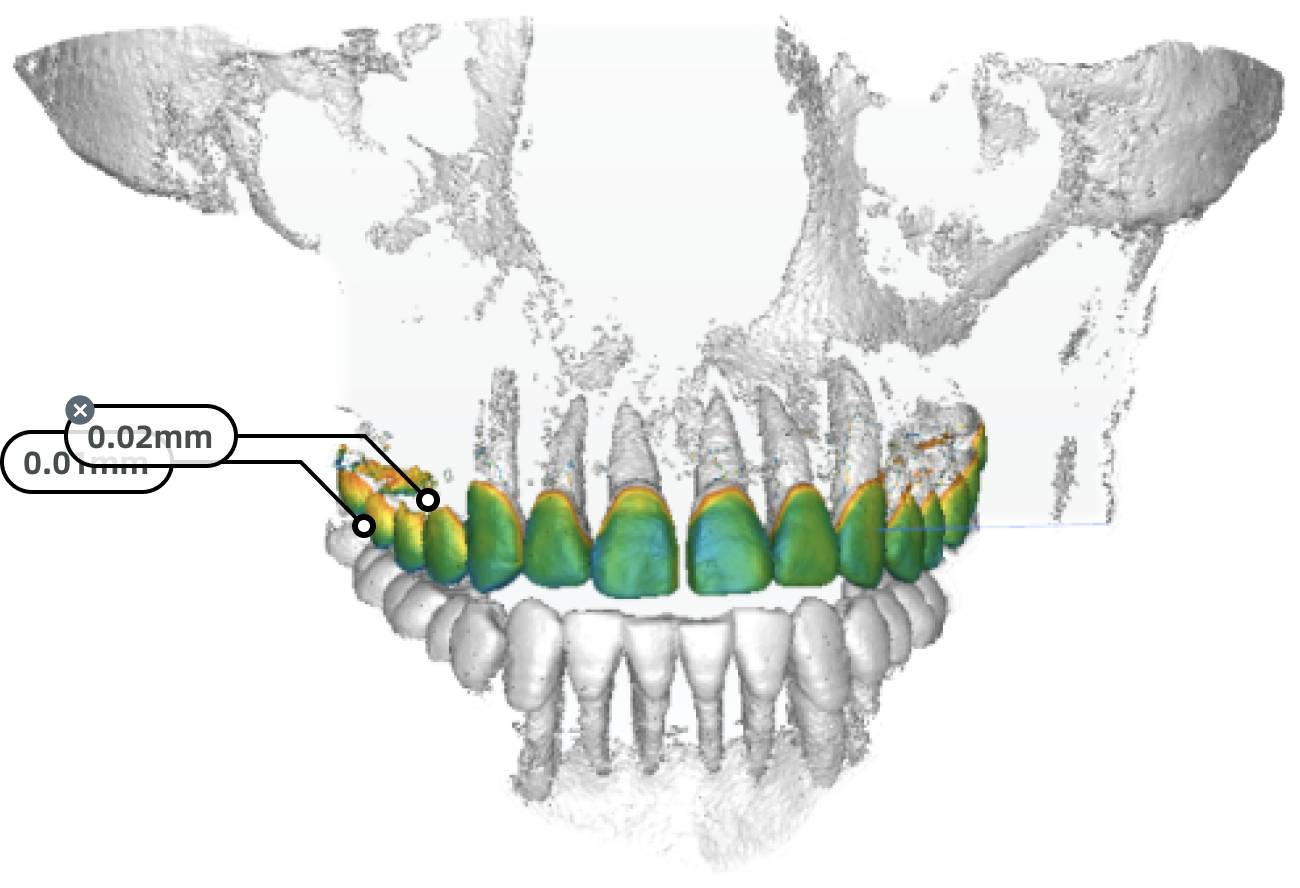
Automatically or manually align DICOM data with the intraoral data on the right. Click
 and view the alignment effect by heat map.
Col
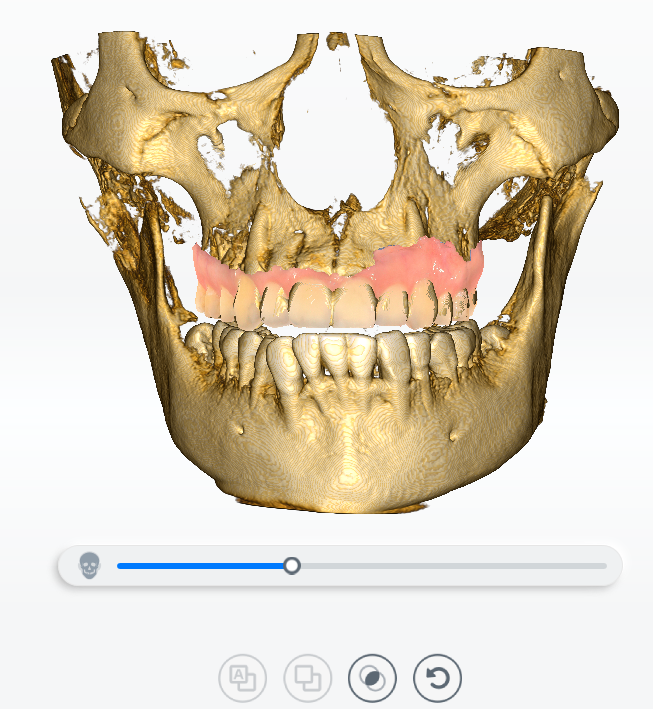 Alignment Effect
Col
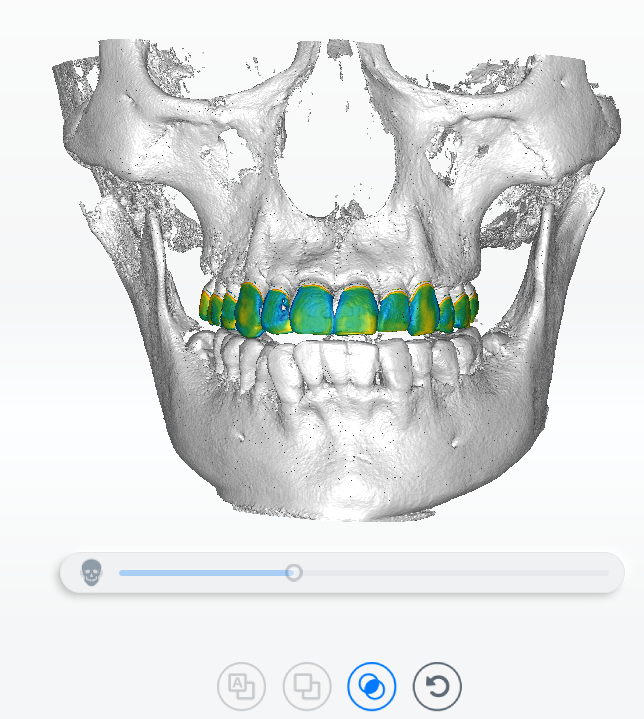 Occlusion View
 -
The label will appear when the cursor is hovering over the heat map showing the numerical value. Click to add a label. Click
 or double click on a label to delete it.
- Check the box before
 in the model list on the upper left to view the alignment effect of DICOM data and intraoral data with the smile face.