Register and Log in
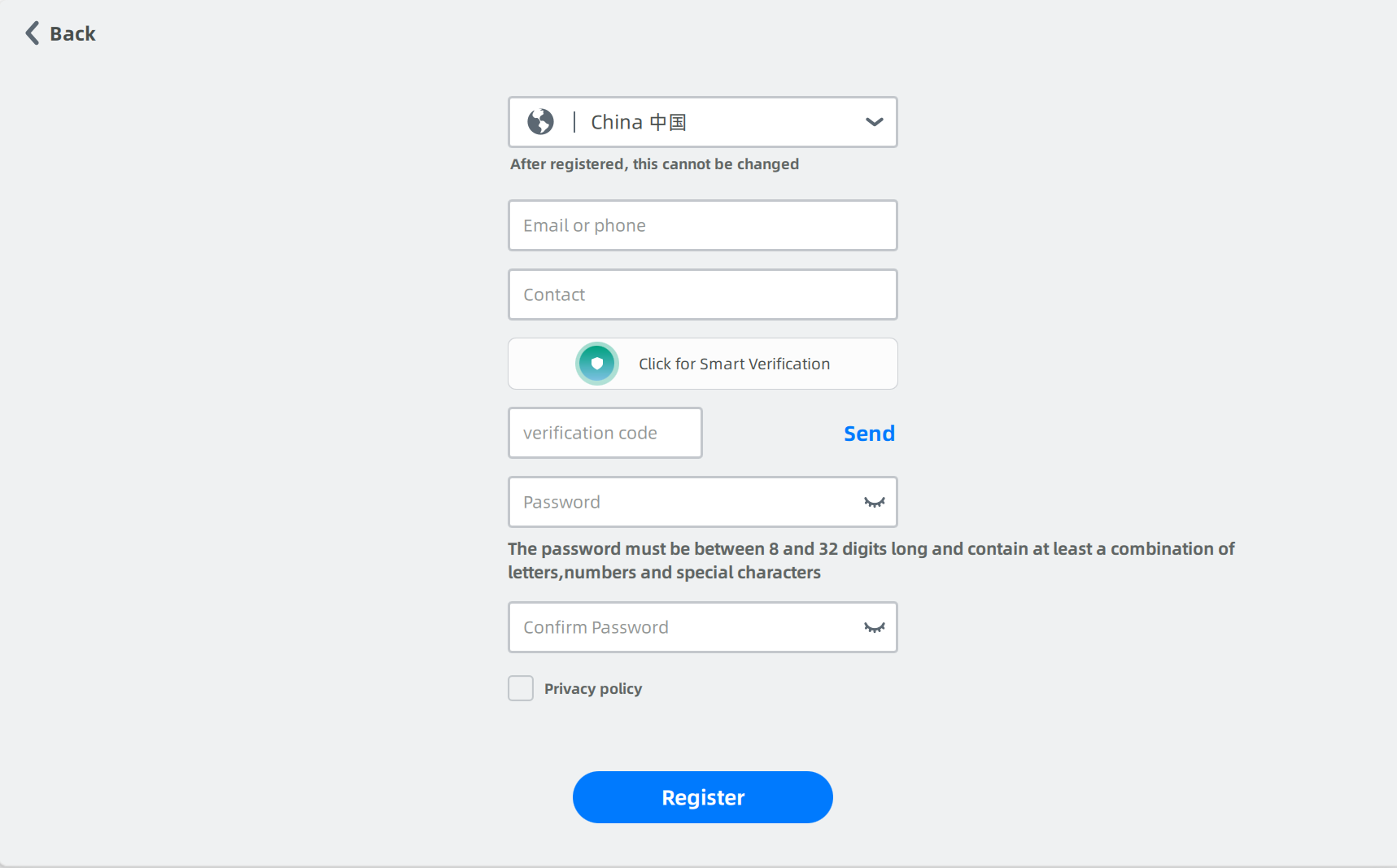
Register
Steps
- Select a role type and fill in registration information such as contact information and phone number.
- Read Privacy Policy and check it.
- Click Register.
- Click Back to return to the login interface. Enter the account and password to log in.
Note
- You can join in the temporary institution directly for 3 days without approval.
- If you found an institution or are approved to join in a common institution in 3 days, then you will be moved out from the temporary institution.
- One user can only join in the temporary institution once.
- After registration, messages about dental cloud will be sent to the phone or e-mail you entered.
Log in
- The users can log in with a dental cloud account or register a new account.
- The users can log in by password or by verification code.
- After logging in, registration information and connection can be checked.
| By password | By verification code |
|---|---|
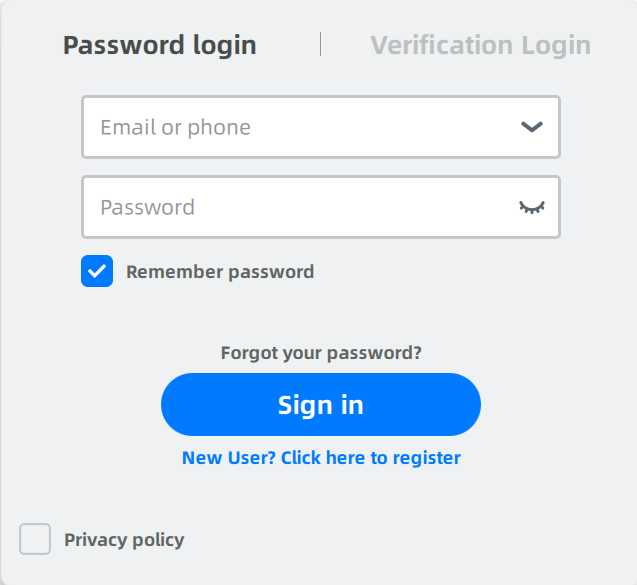 |
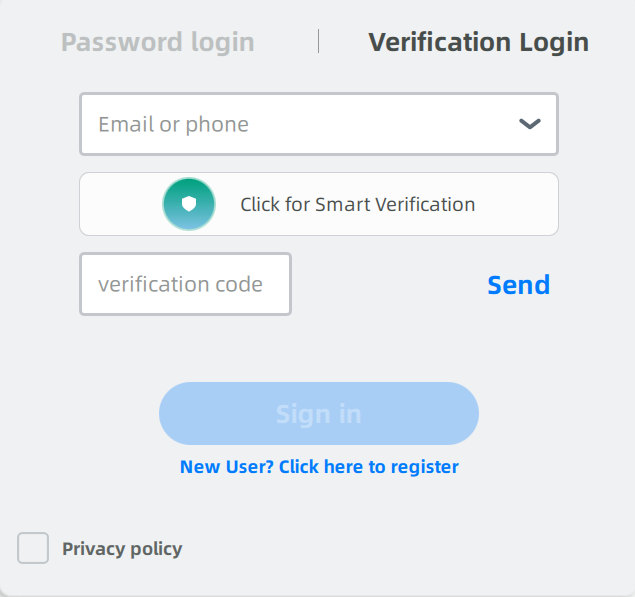 |
Note
The account information can be deleted in the drop-down menu of the account login box.