Restoration Scan
Create an Order
For more details on creating an order, please refer to Create an Order.
In this chapter, the recommended process of restoration scanning takes restoration of Full Crown as an example.
Start Scanning
Bite scanning can be put at first step. Click  and you will start scanning the bite.
The scanning steps are: bites → upper jaw → lower jaw.
-
Scanning bites. An exclamation mark on the bite icon means alignment failure with collected bite data.
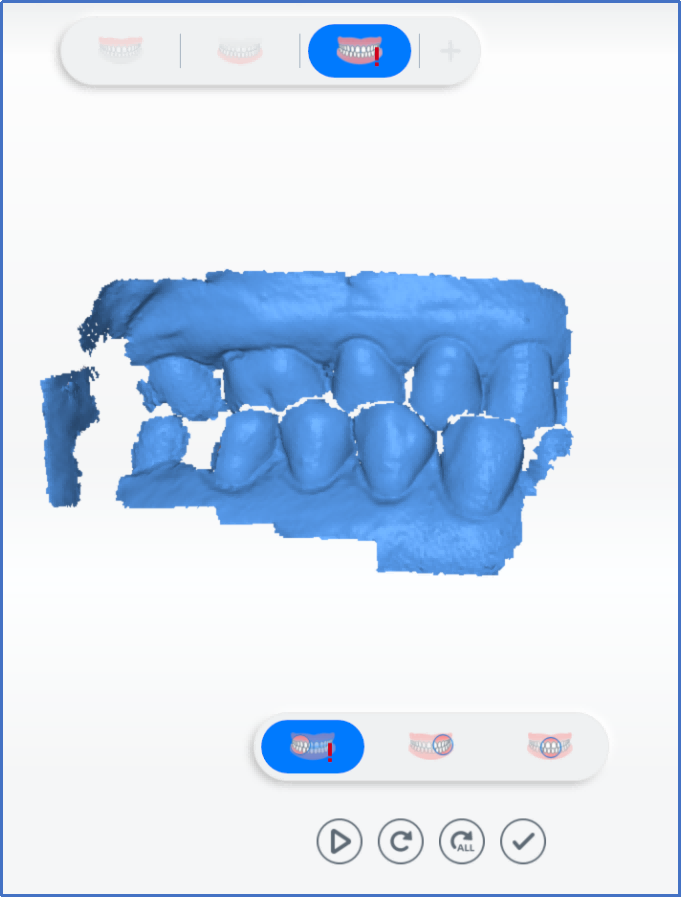
-
Scan upper jaw. Click
 when scanning completed.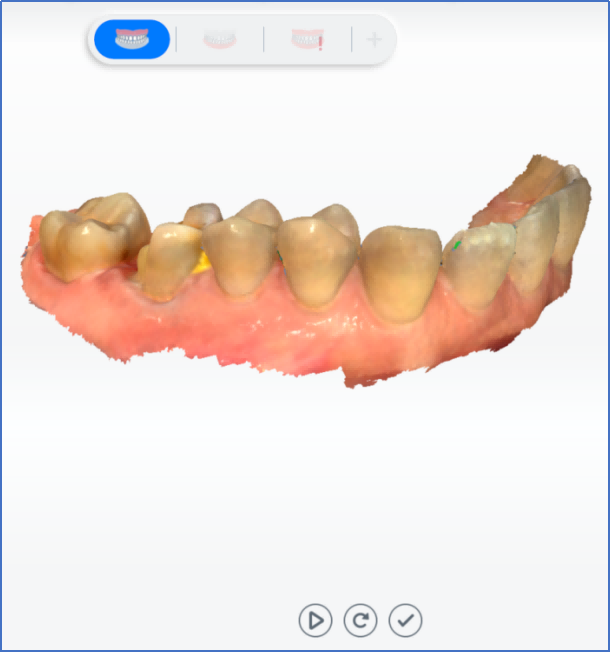
-
Scan lower jaw. Click
when scanning completed.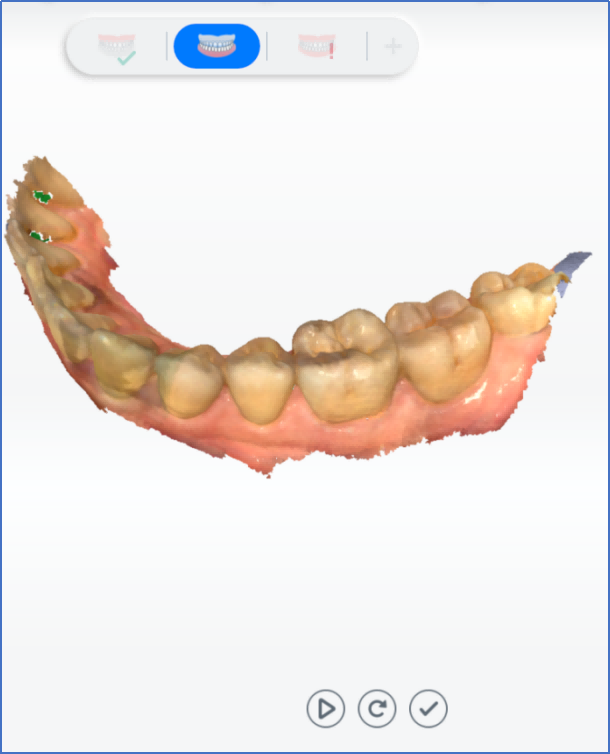
-
Scan left, right and front bite parts.
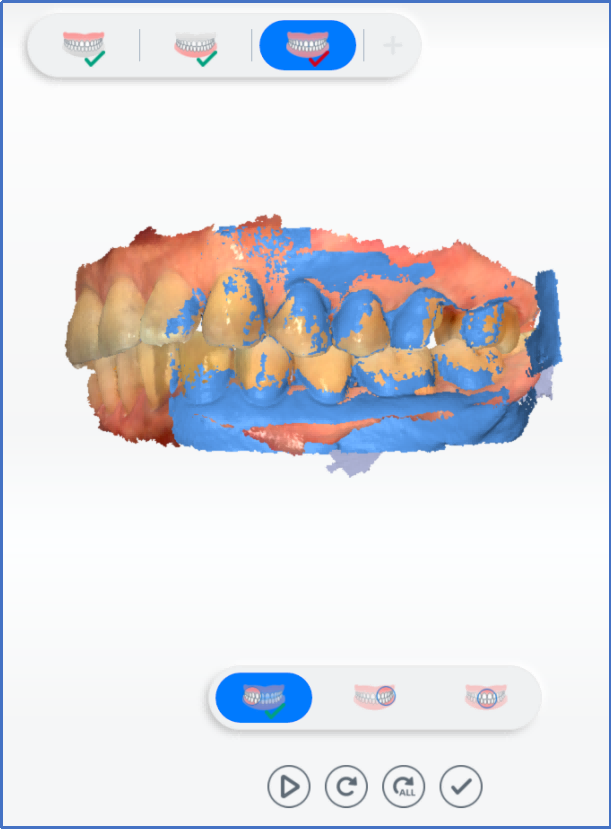
-
Align automatically. If it succeeds (
 displays), click . If it fails (
 displays), you need to re-scan bite parts.
Scanning Completed
Click to complete scanning. Once the data is post-processed, the software will enter the interface of Pre-design.