Removable Denture Scan
Through scanning of removable denture, the dentists can check the bite relationships of edentulous patients. In addition, the dentists can finish scanning within one order.
Create an order
More details can be found in Create Order.
Note
- Bite scanning can be put at first step during the scanning process of removable denture.
- Multiple Bites is supported when scanning bite.
Natural occlusion
The suggested scanning process of Natural occlusion as the Bite Record Type is scanning upper jaw, lower jaw and bite.
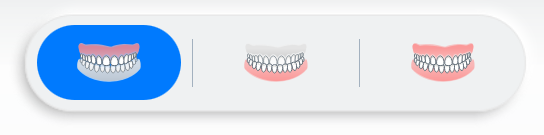
After scanning, click  to go to Pre-design.
Bite tray
For upper jaw and lower jaw
The suggested scanning process is scanning upper jaw, lower jaw and bite tray.
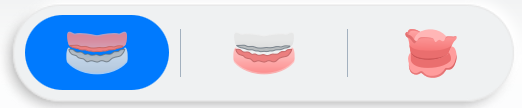
After scanning upper jaw and lower jaw, click to scan bite tray.
The step of scanning bite tray can be divided into  Scan: scan bite tray and
  Align: align bite tray with jaws.
-
Start scanning bite tray.
Note
Please scan the whole bite tray for better alignment.
-
Align bite tray with jaws:
The scanned upper jaw and lower jaw will be automatically aligned with the bite tray.
Scanned data will be displayed on the right.
 indicates success, while
  indicates failure.
Click
 to hide/show scanned models.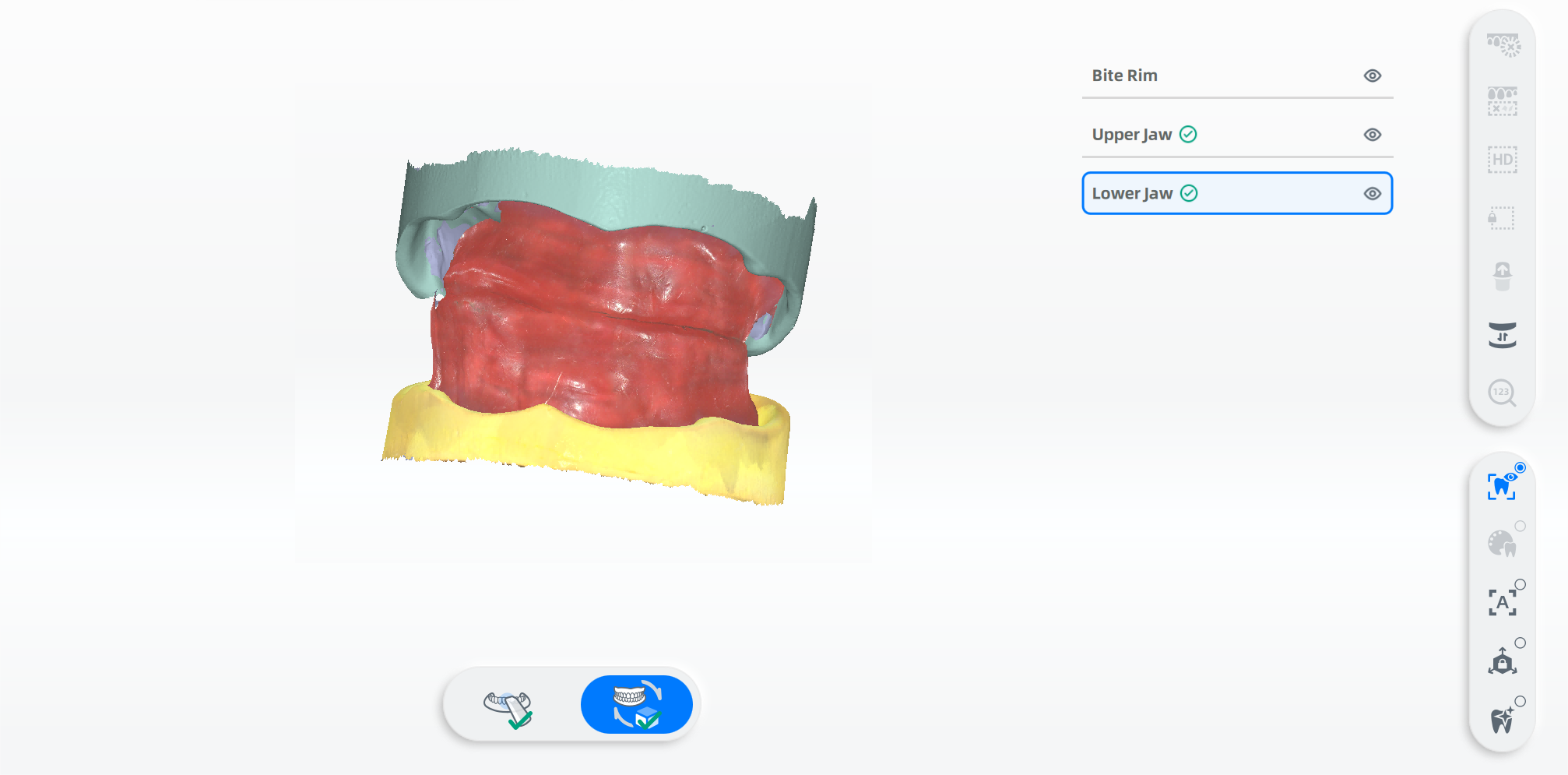
If something is wrong with the auto alignment, please select the upper jaw or lower jaw and click
 to start manual alignment.
Steps:
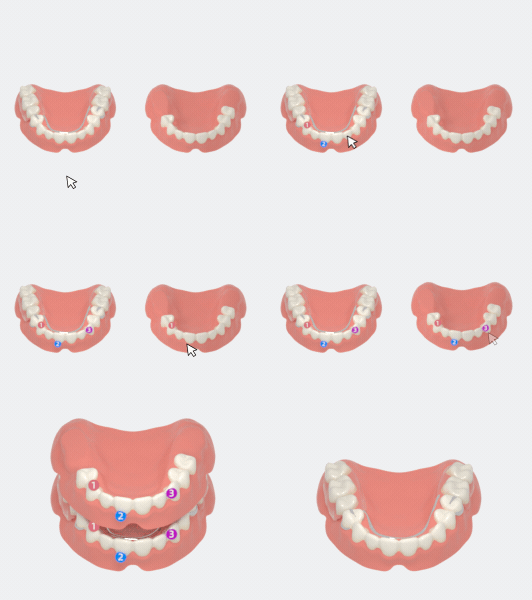
- Rotate the scanned models to the position shown in the guide.
- Select 3 sets of corresponding points on the left and right models.
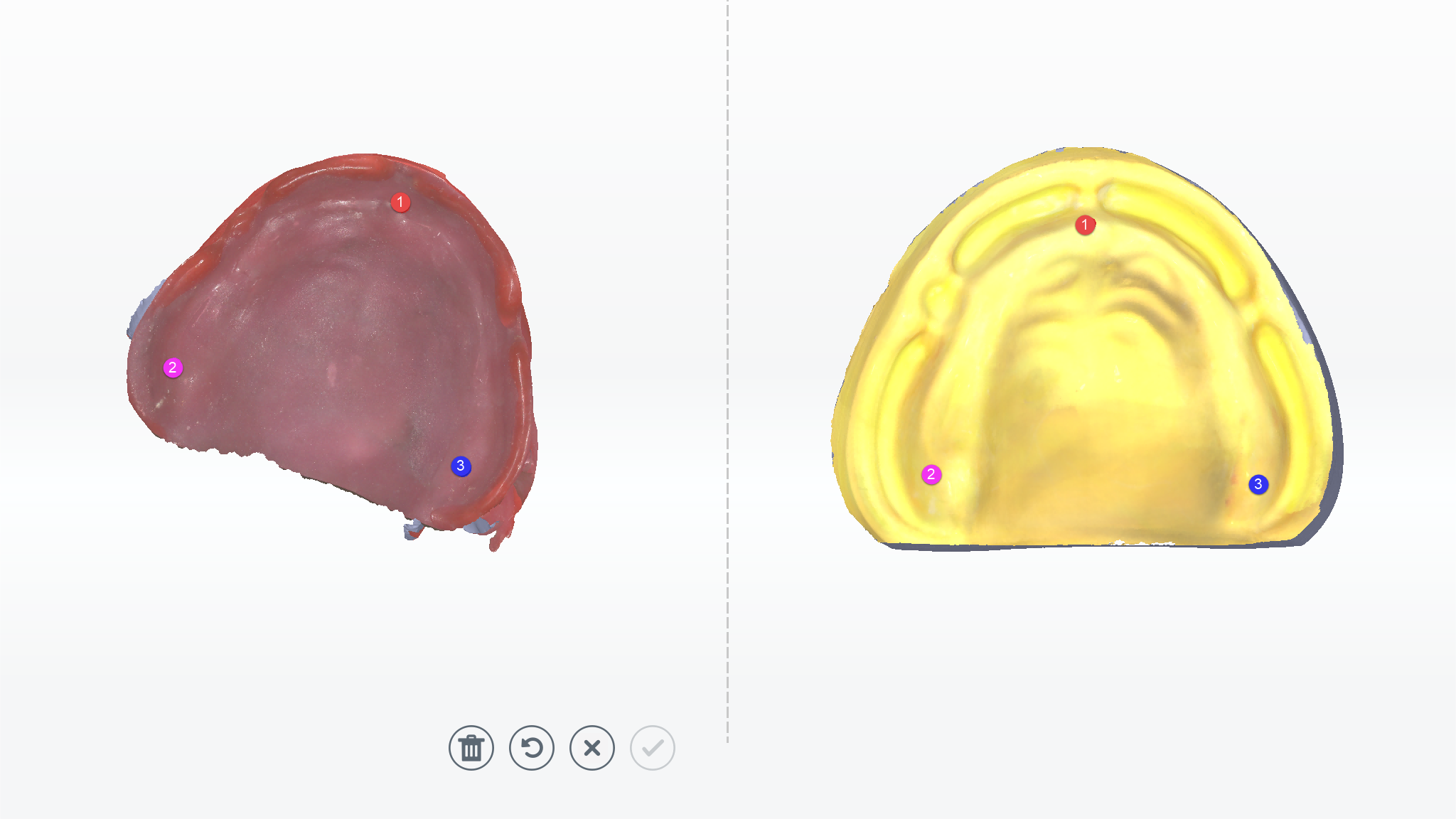
- Preview the effect.
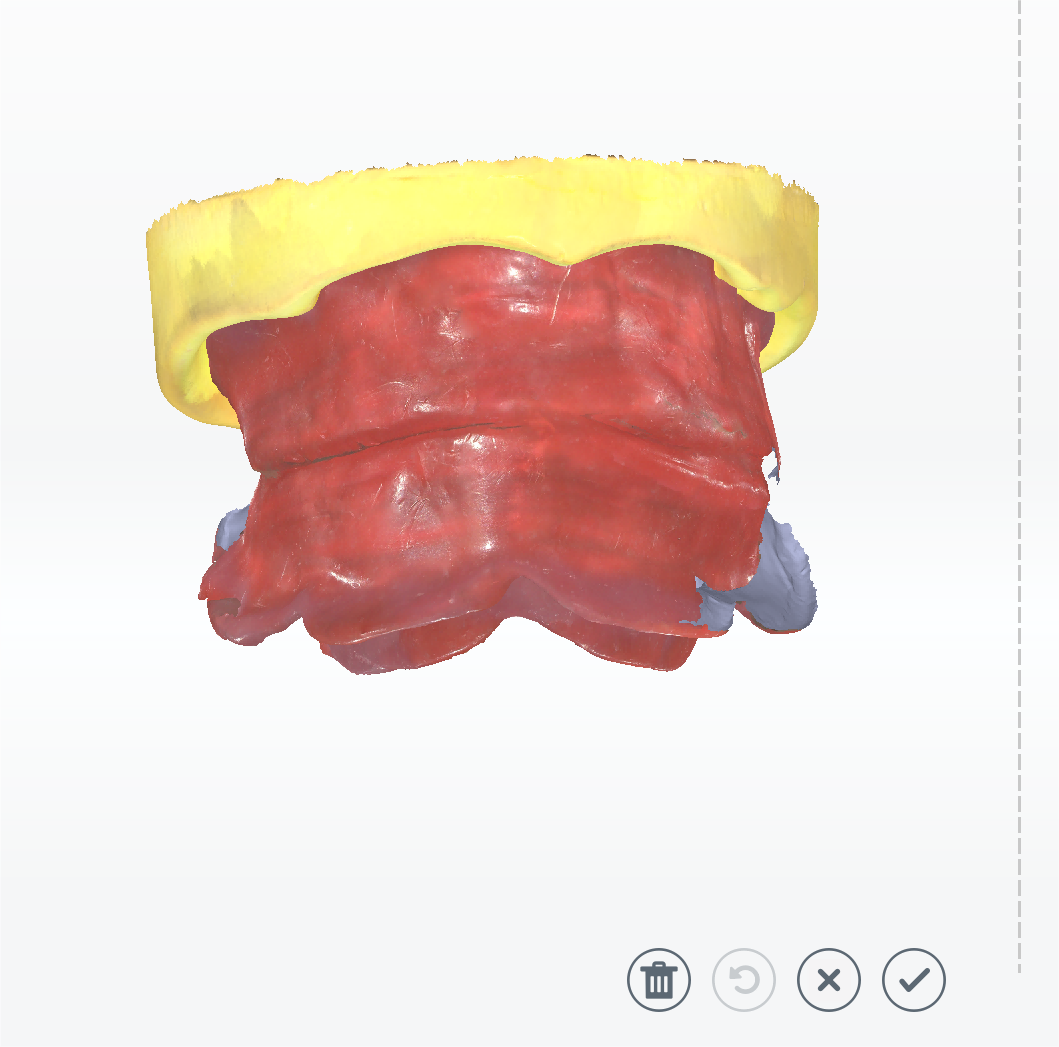
Operations
Icons Descriptions Icons Descriptions 
DeleteDelete all points on the models. 
UndoUndo the last selected point. 
cancelCancel the changes and exit.
ConfirmConfirm the manual alignment. -
Click
to complete the scanning.
For a single jaw
Taking the upper jaw as example, the suggested scanning process is upper jaw, lower jaw, upper jaw rim, and bite.

-
Start scanning upper jaw rim after scanning upper jaw and lower jaw.
Note
The step of scanning upper jaw rim can be divided into
Scan: scan upper jaw rim and Align: align rim with upper jaw, which is similar to the steps mentioned above. References can be found in For upper jaw and lower jaw. -
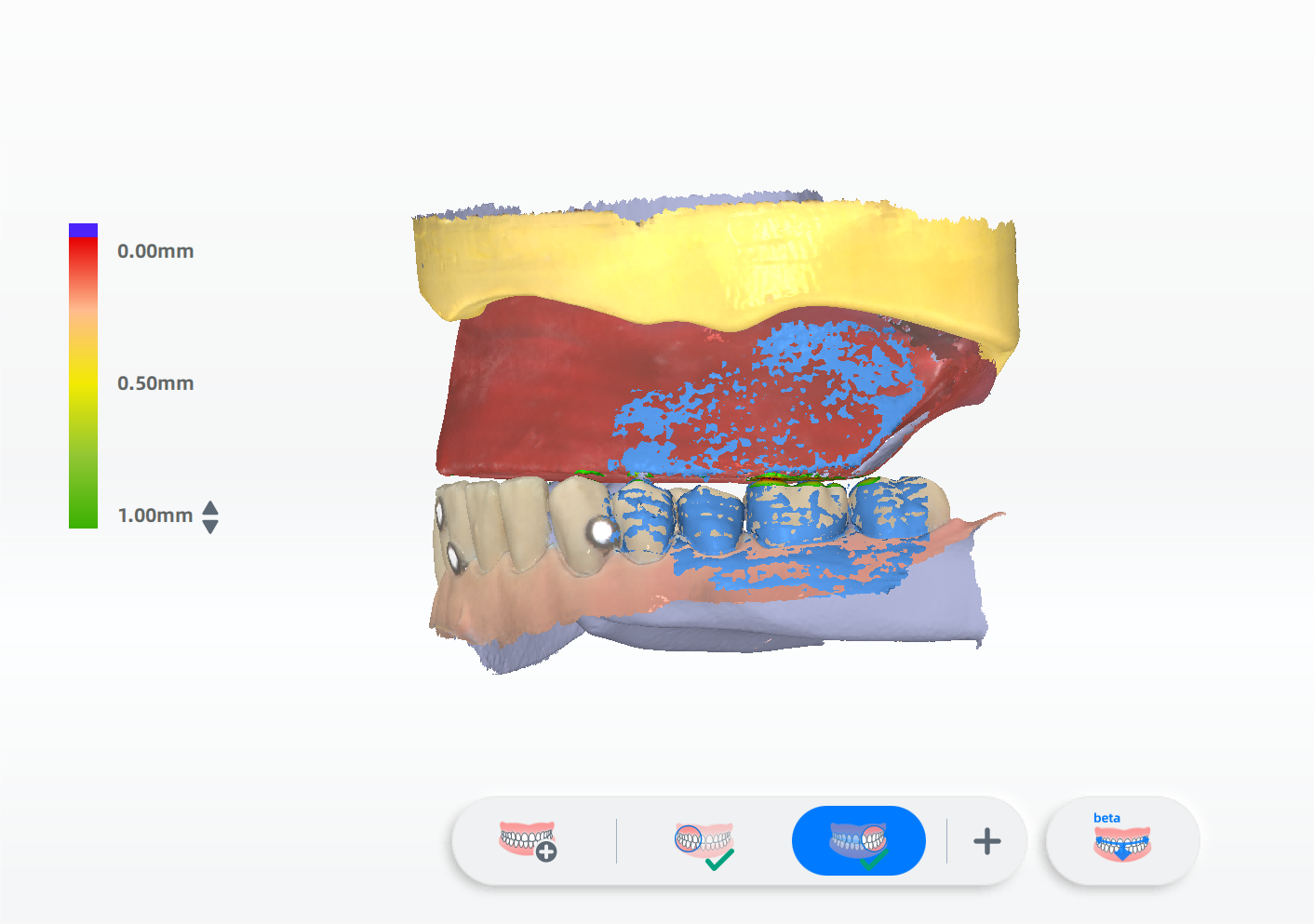
Start scanning the bite of the upper jaw rim and lower jaw.
-
Confirm the alignment and click
to finish scanning.
Old denture scanning
You can choose the alignment methods of old dentures between Public Mucosal Region and Public Tissue Surface.
Col
If using old dentures to record occlusion in the mouth, it is recommended to use Public Tissue Surface for alignment.

Col
If using temporary dentures or partial removable dentures to record occlusion in the mouth, it is recommended to use Public Mucosal Region for alignment.
For upper jaw and lower jaw
The suggested scanning process is upper jaw, lower jaw, upper jaw old denture, lower jaw old denture, and bite.

- Scan the upper jaw and lower jaw.
-
Scan upper jaw old denture. The steps can be divided into
Scan: scan old denture and Align: align old denture with jaws.Scan upper jaw old denture:
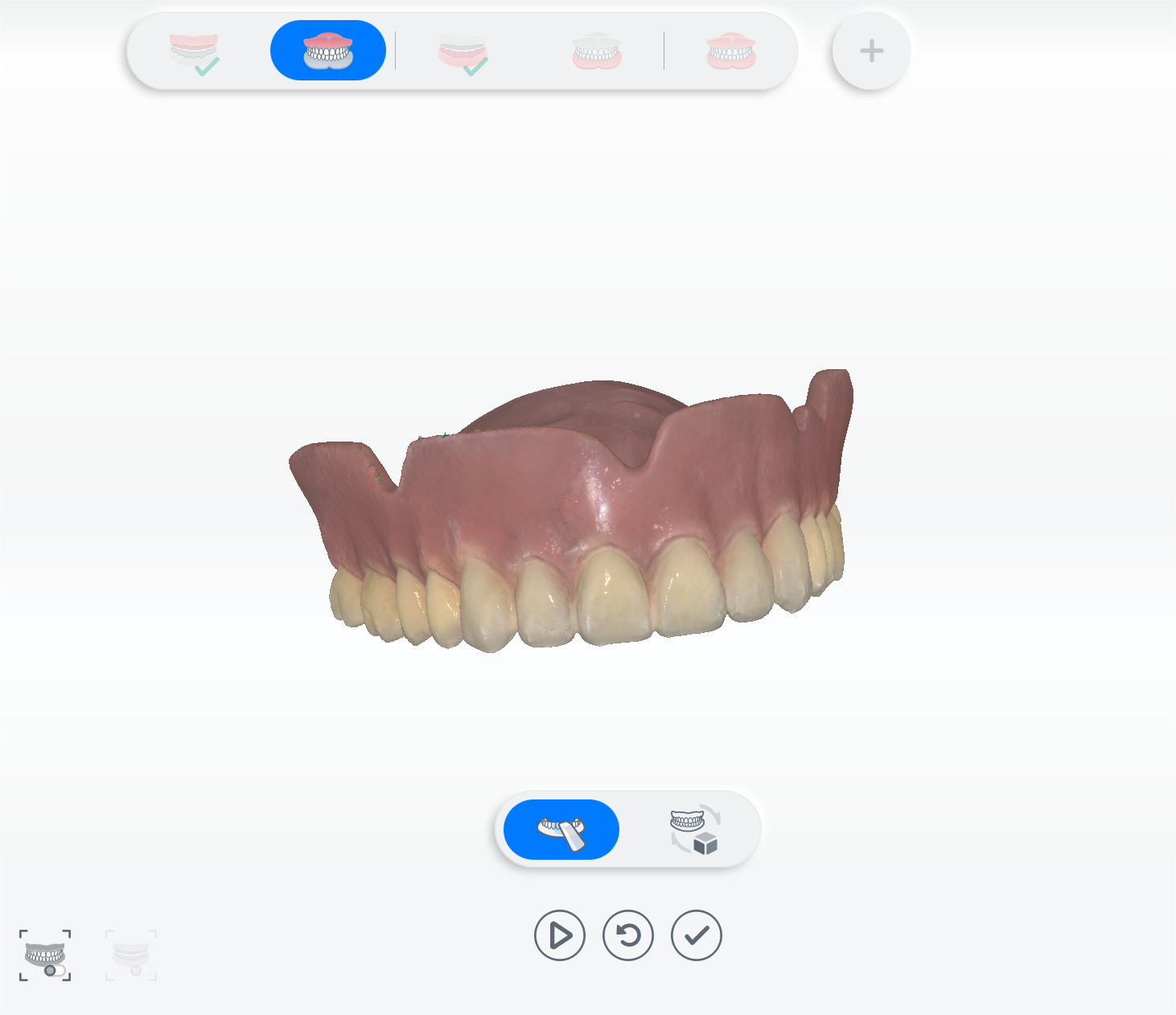
Align upper jaw old denture with upper jaw:
Click
to automatically align the upper jaw old denture with the upper jaw. Click to start manual alignment.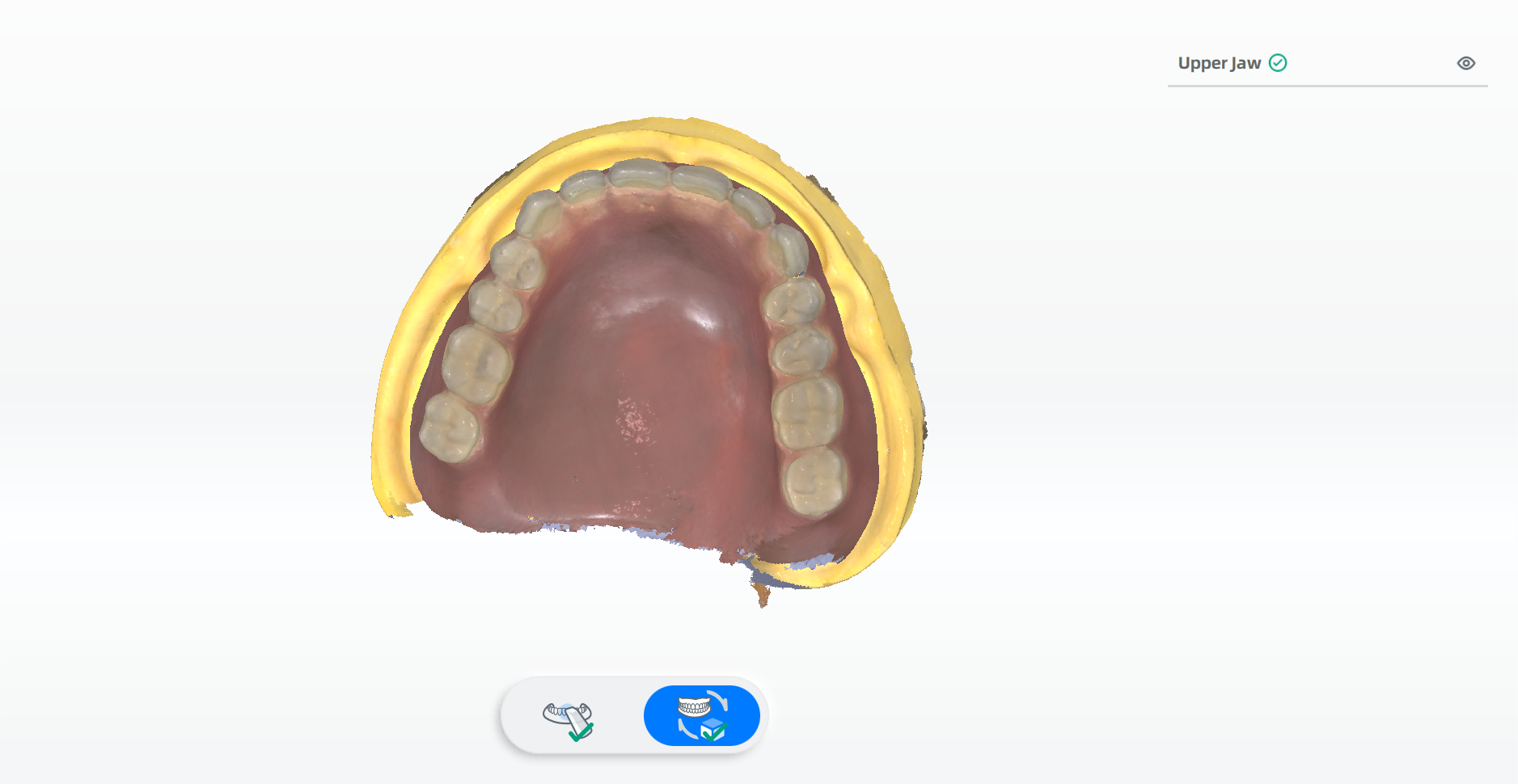
Note
The alignment method is the same as the chosen one when creating the order. You can also switch the method at the left upper corner.
-
After scanning upper jaw old denture, please start lower jaw old denture. The steps are the same with steps in scanning upper jaw old denture.
-
Click
to start scanning bite and bite alignment.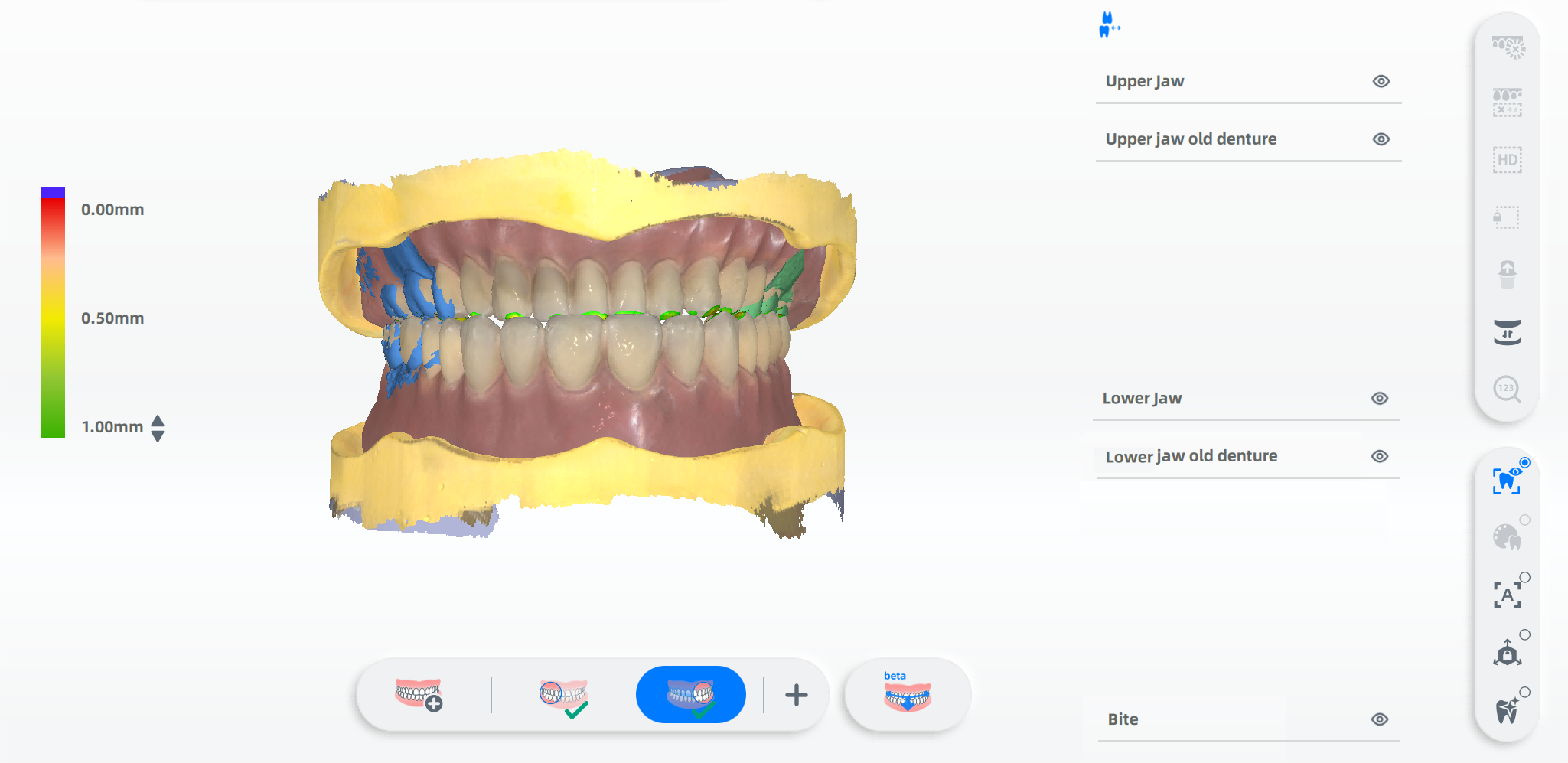
-
Click
to finish scanning.
For a single jaw
Take the upper jaw as example, the suggested scanning process is upper jaw, lower jaw, upper jaw old denture, and bite.

- Scan the upper jaw and lower jaw.
-
Scan the upper jaw old denture.
Note
The steps of scanning the upper jaw old denture can be divided into
Scan: scan upper jaw old denture and Align: align upper jaw old denture with upper jaw. More details can be found in bite tray scanning - For upper jaw and lower jaw. -
Scan the bite of upper jaw old denture and the lower jaw. After scanning, the models will be automatically aligned.

-
Confirm the alignment and click
to finish scanning.
Copy denture (scanned extra-orally)
The suggested scanning process of copy denture as the Bite Record Type is scanning upper jaw, lower jaw and bite.
After scanning, click to go to Pre-design.