White Balance Calibration
Note
- To ensure that the colors are reproduced accurately, perform the white balance correction every 3 months.
Steps
-
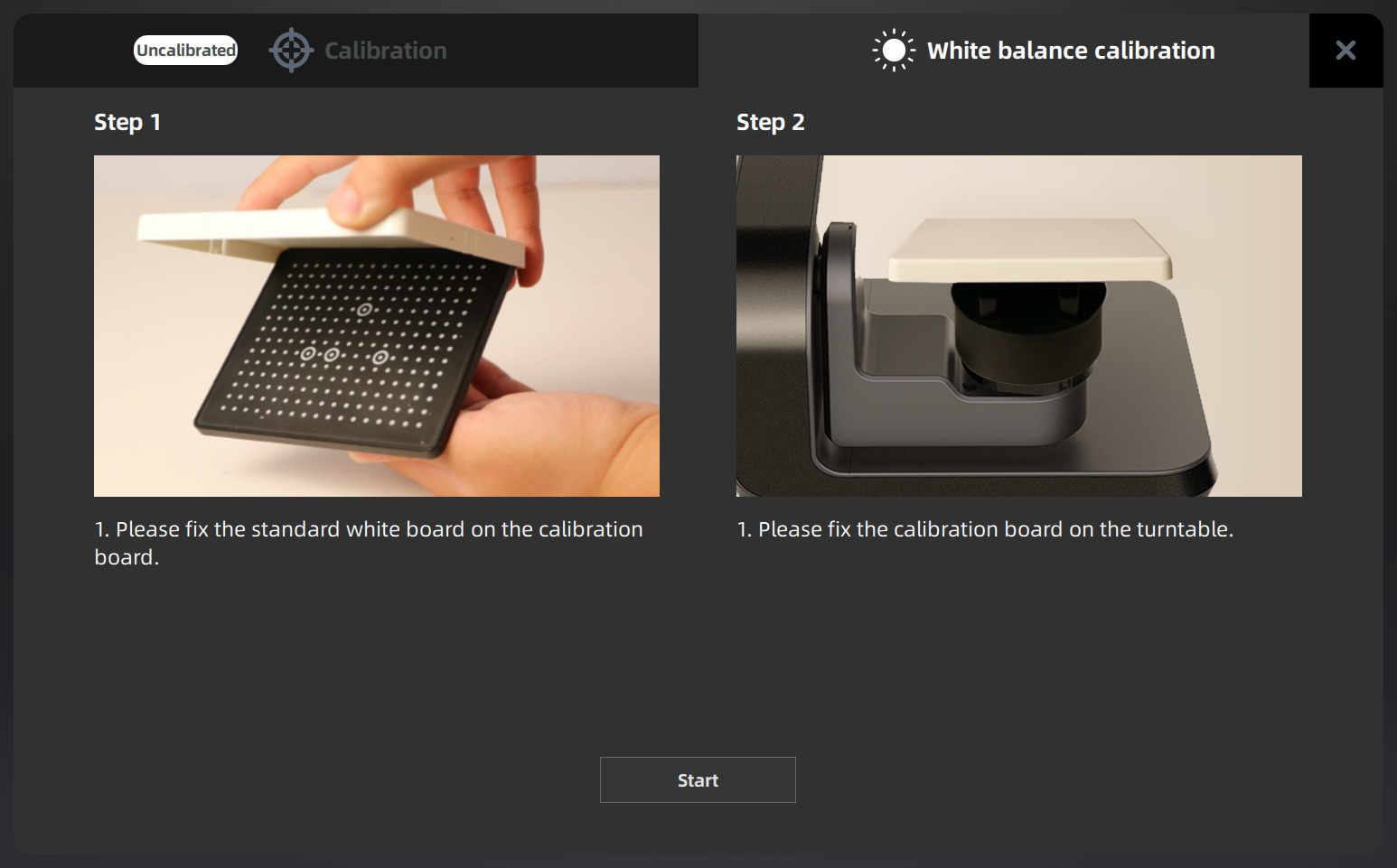
Click Calibration and select White Balance.
-
Secure the white cover to the calibration board.
-
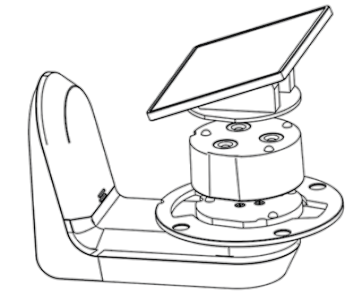
Place the height adaptor on the turntable.
-
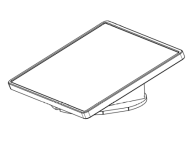
Place the assembled calibration board on the height adaptor.
-
Click Start so that the turntable starts to spin and the white balance correction correction will processed automatically.
-
Click
 to confirm and exit.