You can measure on the model you just scanned, or you can open a model file to do the measurement.
Select the file to be measured or directly drag the file (STL, OBJ, PLY) to the measurement interface.
Create features
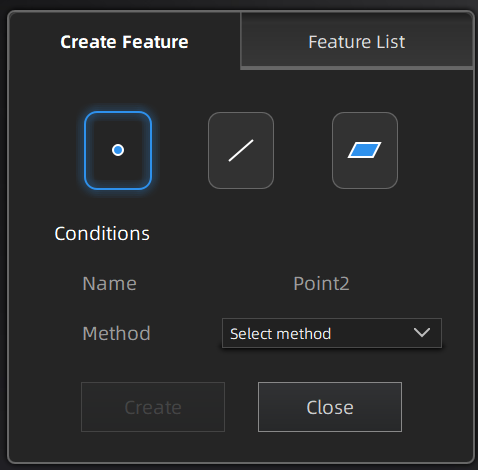
Click  to display the menu of creating features. To close the menu, please click the icon again, or click Close.
Note
You can switch to Feature List to check the created features; You can also click  to delete features.
| Creation Method | ||
|---|---|---|
| Selected Points |
|
|
| Line-Plane Intersection |
|
|
| Creation Method | ||
|---|---|---|
| Point-Point |
|
|
| Plane-Plane Intersection |
|
|
| Creation Method | ||
|---|---|---|
| 3 Points Fit |
|
The three points can't be in a line. |
| Point-Line Fit |
|
The point can't be in the line. |
| Best Fit |
|