File Transfer
With the desktop software EXStar Hub, scan projects saved in EXStar Mobile can be transferred to the computer.
Connect to Computer
On the software home screen, tap  to enter the Connect to EXStar Hub interface and establish the connection between the phone and the computer wirelessly.
Note
Before the transfer, please run EXStar Hub on the computer first, and click Open Project Group > Import from EXStar Mobile on the left side of its homepage to initiate the connection from the computer.
- Connect the phone and the computer to the same network.
- Wait for the computer to initiate the connection.
Note
- The interface displays the device name so that you can identify and select this phone on the computer.
- If the phone is not connected to Wi-Fi yet, tap Connect to jump to the Wi-Fi settings interface to complete the connection; after connecting, the current Wi-Fi name is displayed here.
Confirm the Connection
After the computer initiates the connection, a connection confirmation window pops up on the phone. Please check the verification code and the name of the computer that initiated the connection displayed in the window.
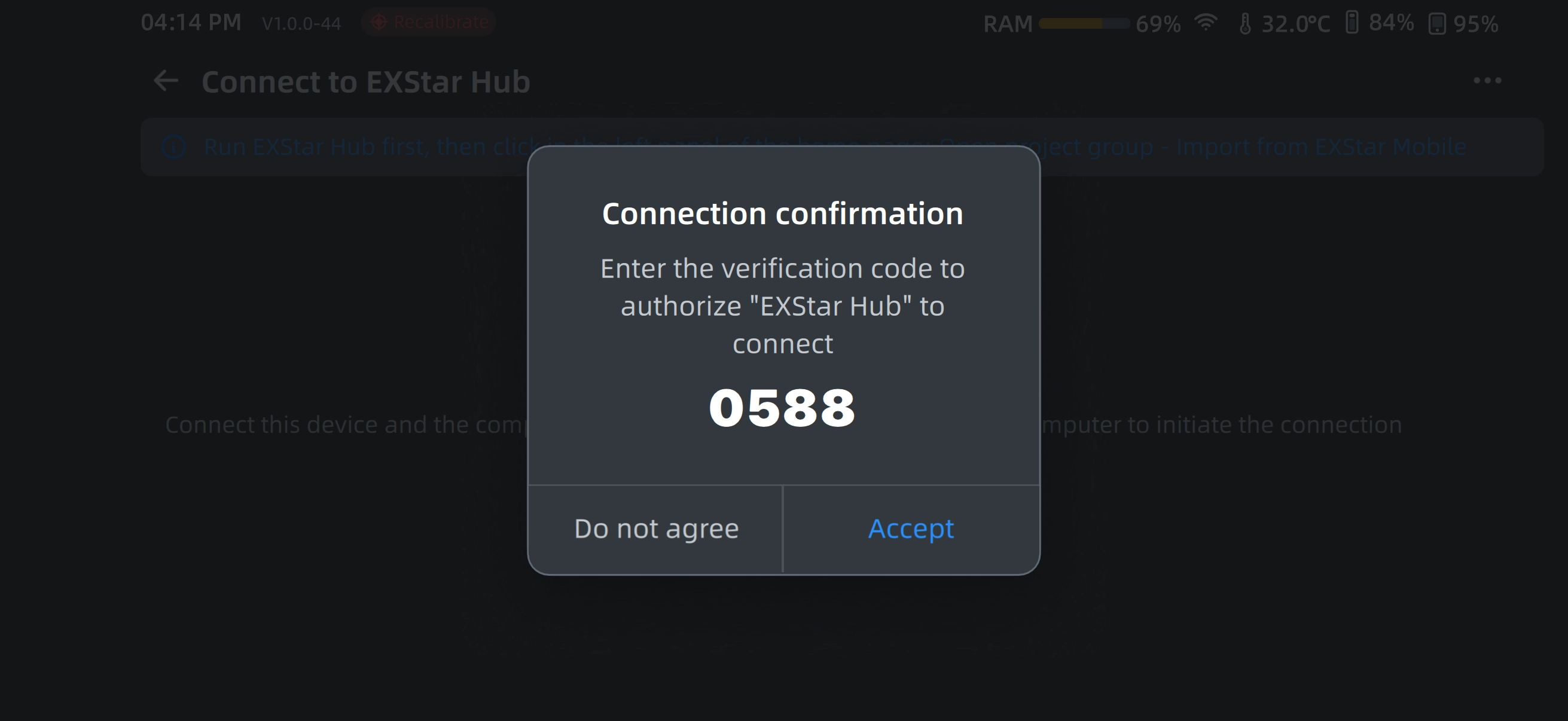
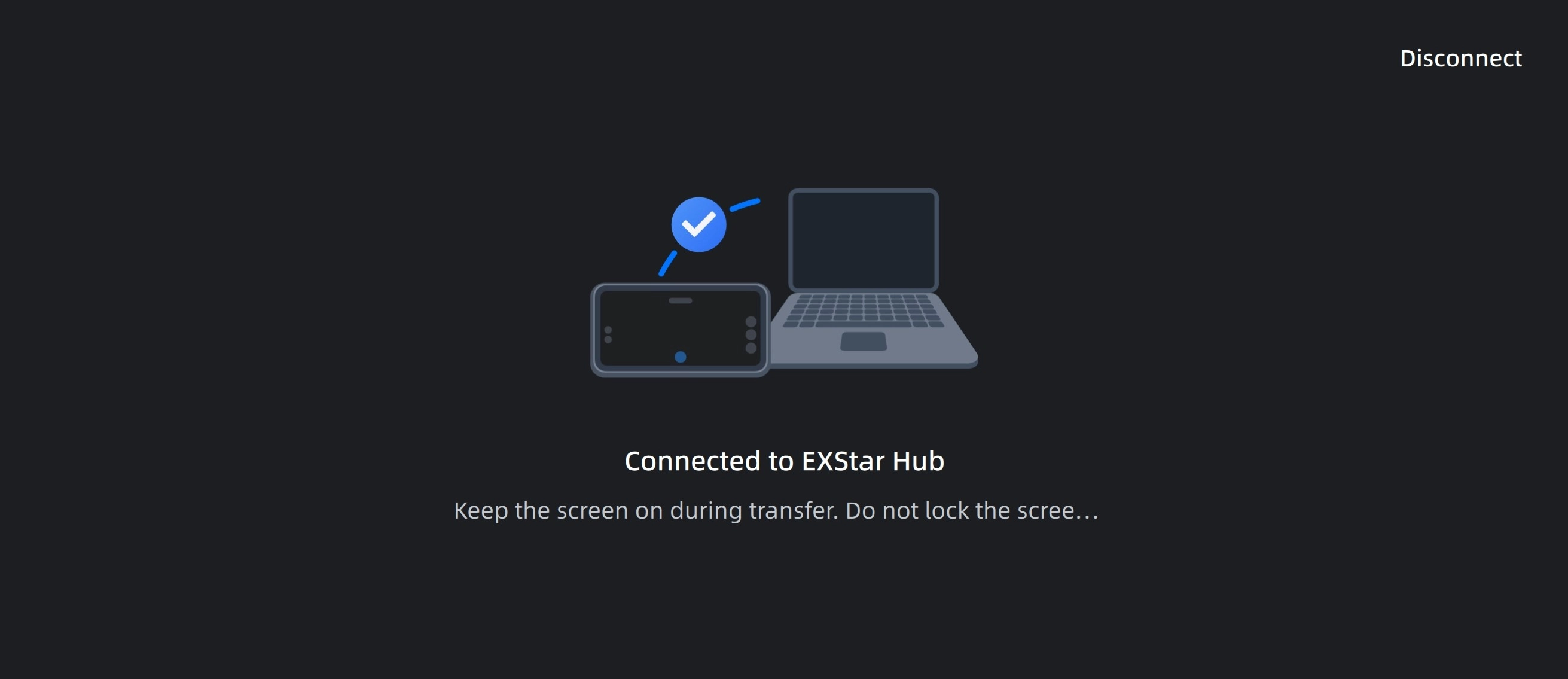
After the connection succeeds, the phone enters data transfer mode, and the interface displays the name of the connected computer; keep the screen on during the transfer, and do not lock the screen or switch apps.
Disconnect
On the data transfer mode interface, tap Disconnect at the top right, and tap Disconnect again in the prompt pop-up to disconnect from the computer; if there are still project groups being transferred when disconnecting, the transfer will be interrupted.
Clear Connection Records
On the Connect to EXStar Hub interface, tap the ⋯ (More) icon at the top right and select Clear Connection History, then tap Confirm in the pop-up window to clear the records of all computers that have been connected.
Note
After the connection records are cleared, the connection needs to be confirmed again when the computer initiates a connection next time.