Calibration
Follow the steps provided by the calibration wizard on the right side of the interface.
Caution
Please contact technical support if the message (Wrong laser calibration file) prompts.
Steps
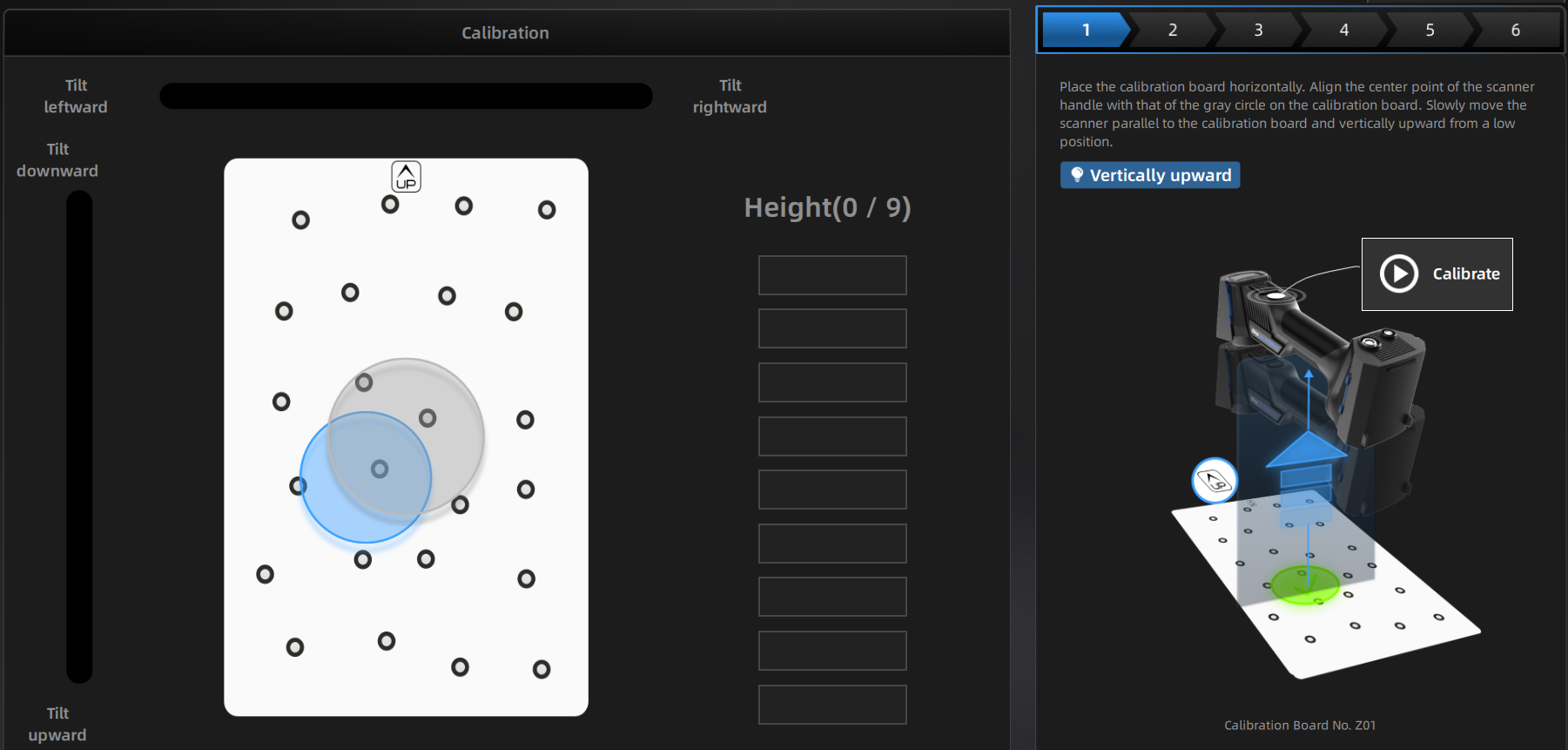
- Place the calibration board horizontally.
- Place the scanner in the same direction as shown in the figure.
- Align the center point of the device with the center point of the gray circle on the calibration board.
-
Press the start button on the scanner or click Calibrate on the interface to start calibration.
-
Move the device slowly and adjust the distance between the scanner and the calibration board according to the height indicating box.
- Keep moving until all height boxes turn green.
- Adjust the scanner position according to the prompts on the software interface. Repeat steps 4 to 5 to complete the calibration for the remaining directions.
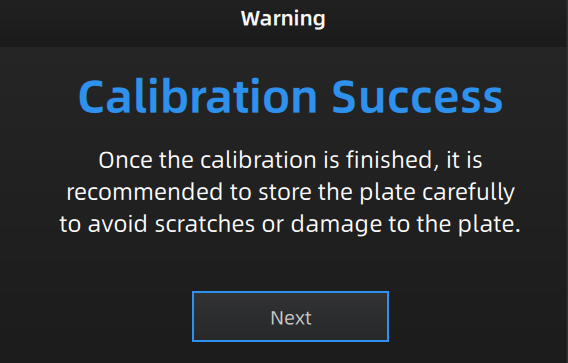
- Check the calibration result.
Note
- Please calibrate again if the calibration fails.
- During the calibration process, please ensure that there are not a large number of markers around the calibration board, so as not to affect the calibration accuracy.
- Please contact the supplier or technical support if the calibration still fails after several attempts.
Col
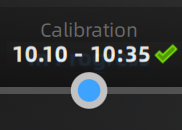
The navigation bar at the top of the interface will display the calibration time when the calibration is completed successfully. If no further calibration is performed within 7 days after the completion of the previous calibration,  will appear. Please perform calibration again to ensure scanning accuracy.
Col