Mesh editing
The data after mesh can be directly used for rendering, measurement or printing.
-
Filter
Optimize the data and improve the clarity of the data. The higher the level, the less the small details.
- None: No optimization.
- Standard: Optimizes data slightly and preserves data characteristics.
- Med: Reduce the noise on the surface of the scan data.
- High: Reduce the noise on the surface of the scan data and sharpen it powerfully.
-
Remove small floating parts
Remove small floating parts on the model.
Col
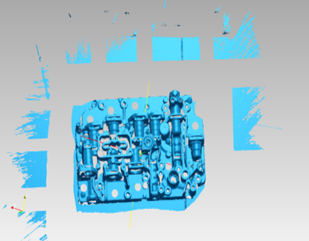 Original data
Col
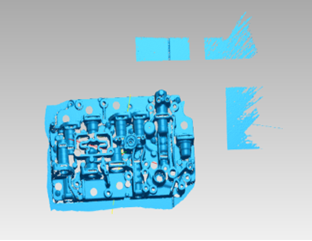 Remove 50
Col
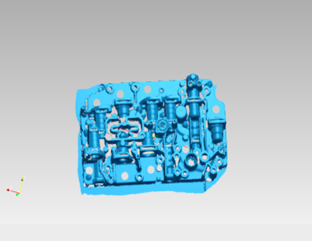 Remove 100
-
Max triangles
Set max plate number to get mesh model's triangle plate number is within configured plate number.
-
Fill small hole
Auto fill the small hole with a perimeter less than or equal to 10 mm (by default). You can set the hole-filling perimeter.
-
Remove spike
Remove spike-like data on the image edge.
-
Markers hole filling
Fill the surface holes on an object that were not scanned due to being occluded by markers.
-
Recommended parameters
When turning on, it will automatically use the recommended parameters for meshing.