Activation
If you are using the device for the first time, please start the software after installation. In the software window, log in with your Shining 3D passport to activate the device.
Register
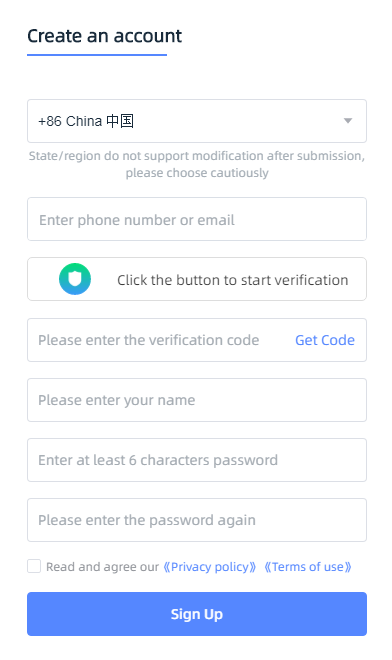
If you are a new user, please register a Shining 3D user account first. You can click Register in the pop-up window when launching the software, or register from the Shining 3D Account Website.
Log-in
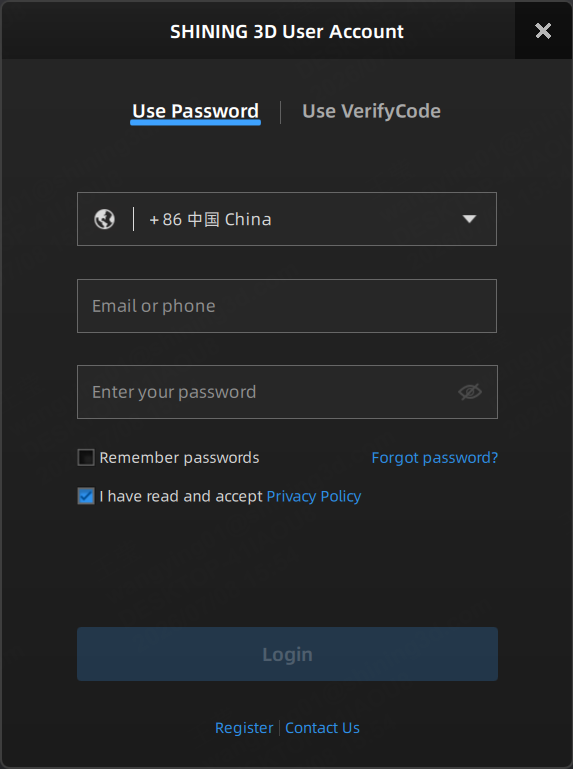
Supports both password and verification code login methods.
Users can enter the corresponding username (email, phone number) and password according to the interface prompts or log in with the username (email, phone number) and the received verification code.
Device Activation
If the computer is connected to the internet and the device is online, activation will be completed automatically after logging in your account in the software.
Note
If you did not log in when launching the software for the first time, after launching the software again and clicking  in the upper right corner to log in or click Activate in the upper left corner of the home screen to activate the device.